

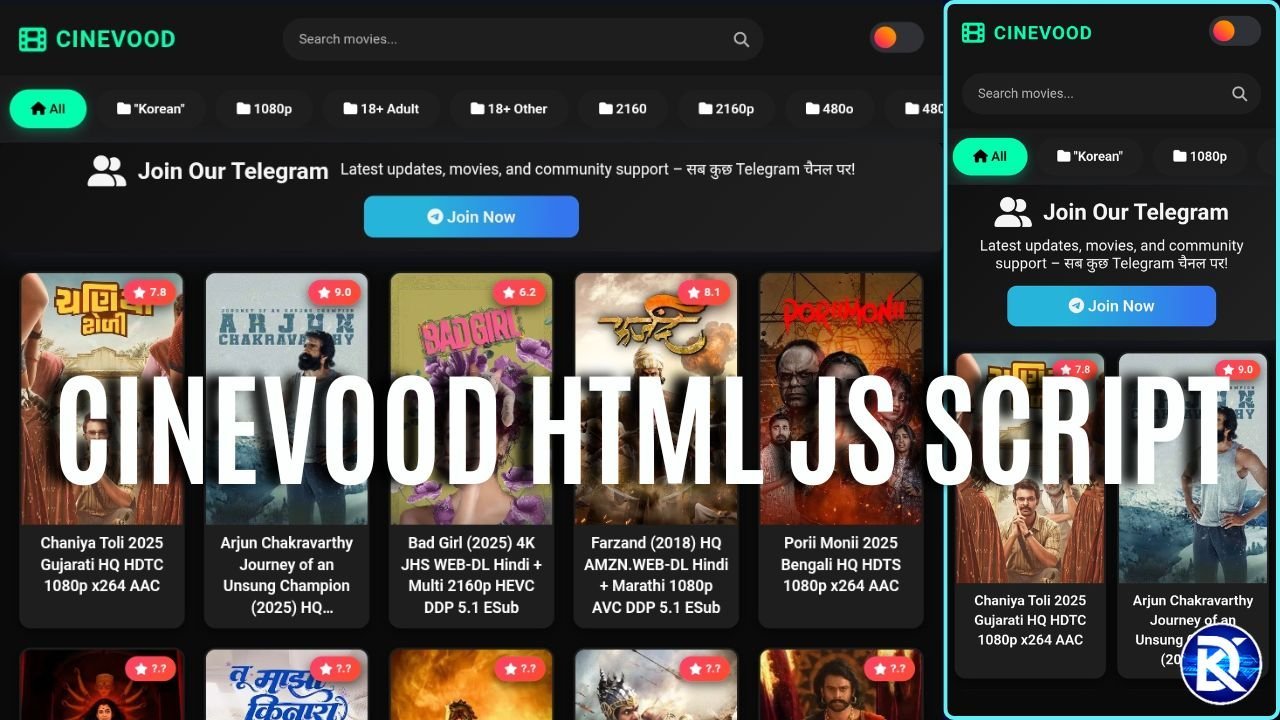
Beginner Guide: How to Create a Movie Website Like Cine wood
What is the features
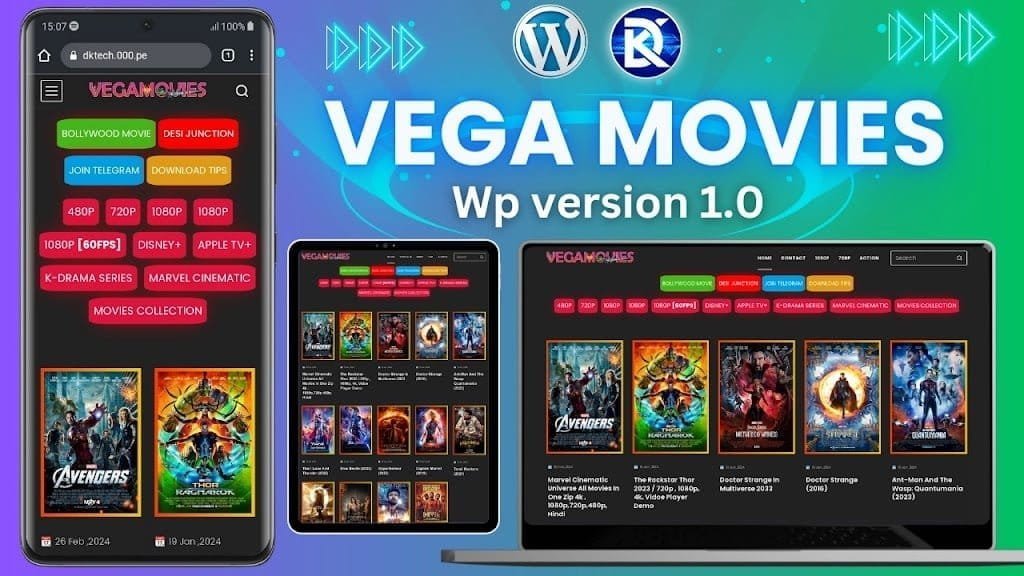
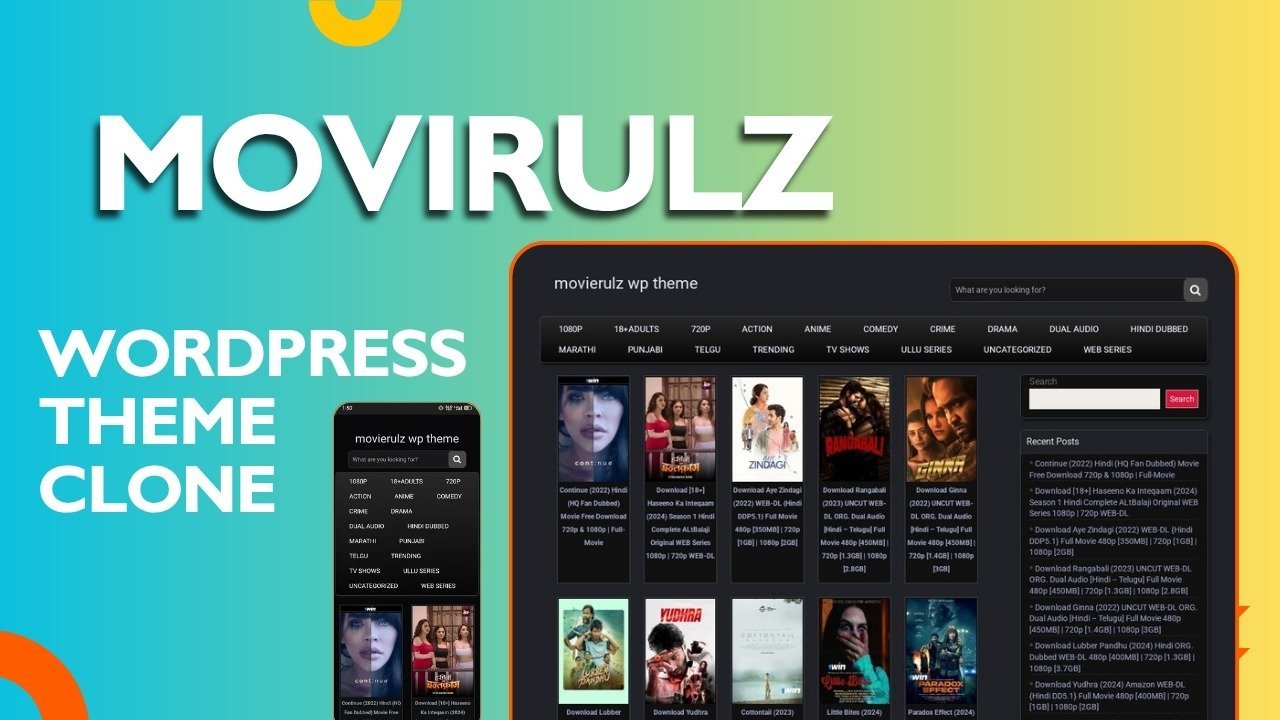
- Movie list with posters and preloader
- Search bar
- Categories slider (Bollywood, Hollywood, Web Series, etc.)
- Mobile friendly design
- Light/Dark theme
- Movie player page
- Multiple download links
- Screenshot gallery
- SEO friendly sharable URLs.
- daynamic meta tags on post page
What is drawbacks
You can’t manage post manually
You need to replace domain name when he chenge the domain
It is slow due to load of wp api
What You Need
- WordPress website
- Posts with movie info and featured image
- Basic knowledge of HTML/JS
- WordPress REST API (already enabled in WordPress by default)
Step 1: Save the Code
- Copy the full HTML code
- Save it as index.html
- Open it in any text editor (VS Code, Notepad, Sublime, etc.)
Step 2: Change API URL when domain changed
Find the line:
const API_BASE = "https://1cinevood.boutique/";Step 3: Upload the Page
Upload index.html to your hosting.
If you place it in root folder with name index.html, it will open directly: https://yourwebsite.com
Step 4: Change Colors and Logo
To change color: Find CSS variables:
:root {
    --bg-primary: #0a0a0a;
    --bg-secondary: #141414;
    --accent: #00ffae;
    --text-primary: #ffffff;
}
Replace color codes with your own.
To change logo text: Search this line:
<h1 class="logo-text">CINEVOOD</h1>
Replace with your site name.
How to Write WordPress Posts
Your post should have:
1. Featured Image
Upload a movie poster as featured image.
2. Download links
Example:
<h6>Movie Name (2024) 1080p - 2.5GB</h6>
<p>
    <a href="https://hubcloud.ink/file123">HubCloud</a>
    <a href="https://gdtot.site/file456">GDToT</a>
</p>

<h6>Movie Name (2024) 720p - 1.2GB</h6>
<p>
    <a href="https://filepress.icu/file789">FilePress</a>
</p>
3. Screenshots
<img src="https://i.ibb.co/screenshot1.jpg">
<img src="https://i.ibb.co/screenshot2.jpg">
4. IMDb rating (optional)
<span id="imdb_rating">8.5</span>
5. IMDb Link (optional)
<div class="imdb_container">
    <a href="https://www.imdb.com/title/tt1234567/">IMDb Link</a>
</div>


What the Code Automatically Does
- Finds download links from many hosting sites
- Finds screenshots from image upload sites
- Shows IMDb rating if found
- Updates URL like: https://yourwebsite.com?post=123
- Makes sharing possible with direct link
Testing
- Check movie list
- Try search
- Open a movie and check:
- Poster
- Player
- Screenshots
- Download links
- Copy URL and open in new browser
- Check category buttons
- Try theme switch
Common Problems & Solutions
Problem: No movies showing
Check: https://yourwebsite.com/wp-json/wp/v2/posts
If it loads JSON, API is working.
Problem: Images not loading
Make sure every movie has a Featured Image.
Problem: Download links not showing
Links must be inside h6 and tags.
Problem: Categories empty
Create categories and assign posts.
Customization
Add new download domains:
const domainList = [
    "hubcloud.ink",
    "gdtot.site",
    "yourdomain.com"
];
Add new image hosts:
const imageDomains = [
    "ibb.co",
    "imgbb.com",
    "imgur.com",
    "yourimagehost.com"
];
Change posts per page:
?per_page=20
Change 20 to any number up to 100.
Change movie player embed link:
<iframe src="https://yourplayer.com/play/${imdbId}">
SEO and Performance
- Use Cloudflare or any CDN
- Compress poster images
- Page uses lazy loading
- WordPress auto-manages SEO titles and tags
Final Notes
After setup:
- Add more movies in WordPress
- Add logo and favicon
- Connect Google Analytics
- Add your site to Search Console
Your site will look similar to CineVood fully dynamic through WordPress, but front-end is a fast custom HTML interface.






Reviews
There are no reviews yet.